Debug PHP in Docker using Xdebug with VS Code or PhpStorm
I'm tired of reading countless of tutorials about this, many of which include a lot of unnecessary steps and do not work on all platform.
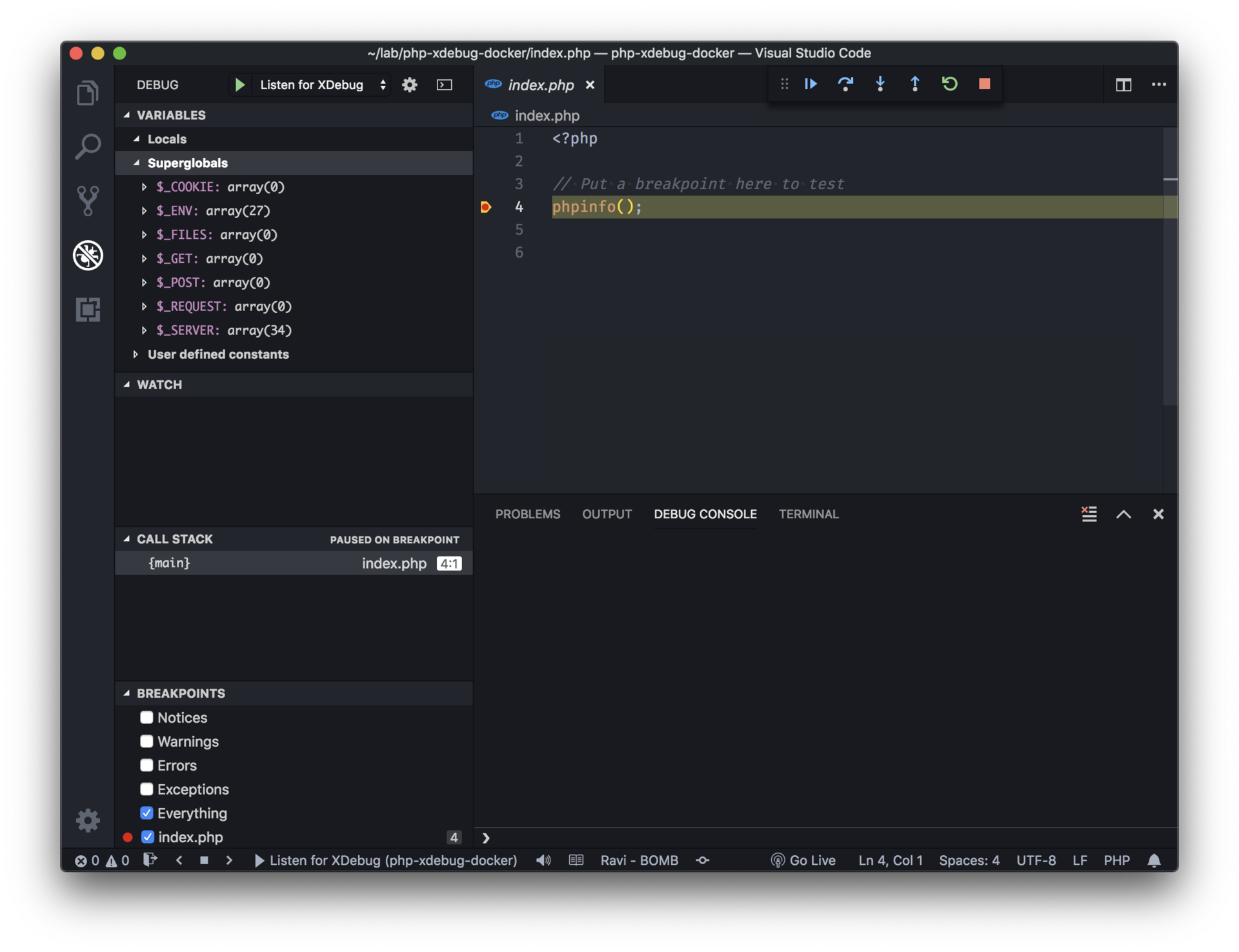
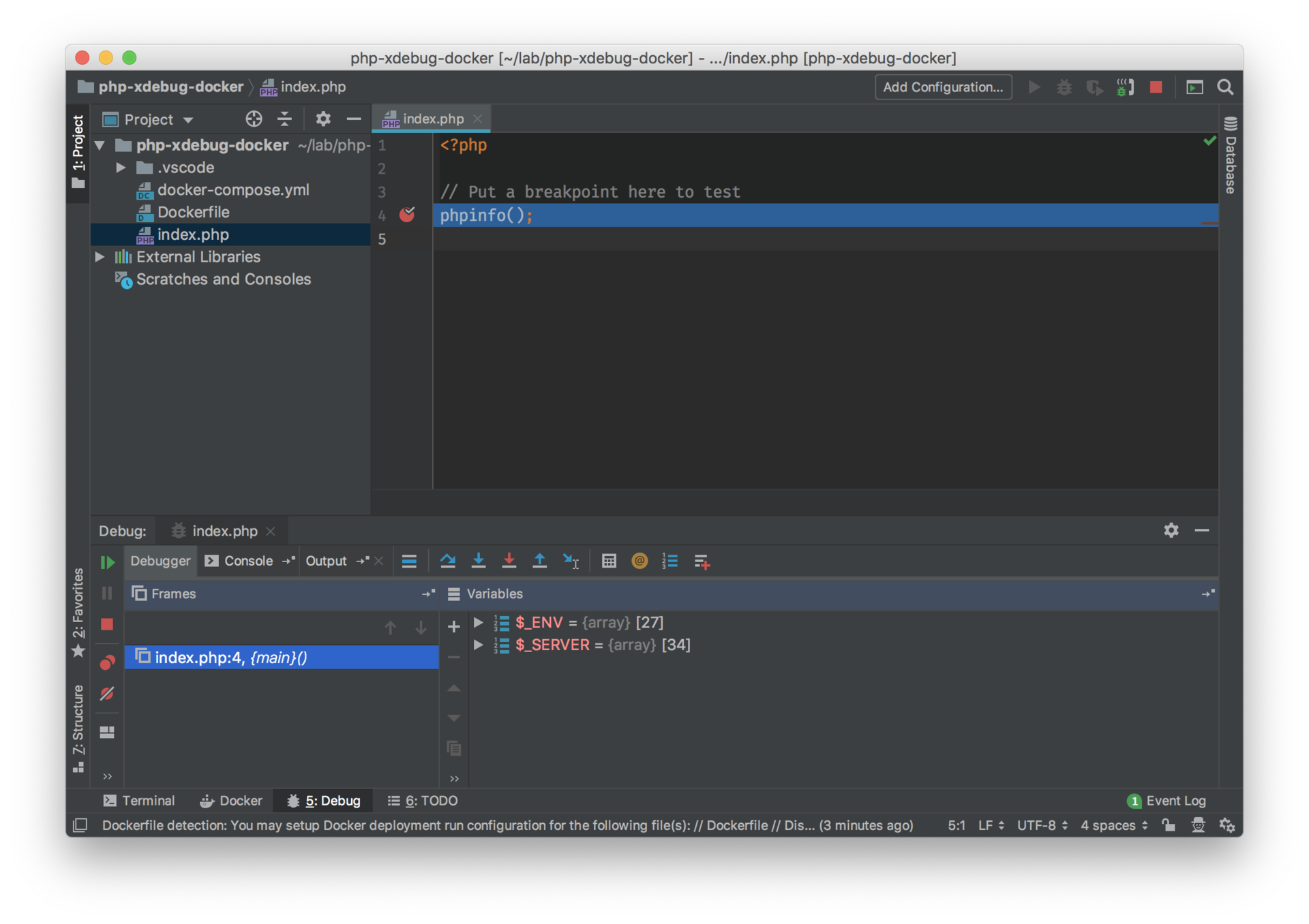
To put an end to this, I published a repo: php-xdebug-docker with everything that is necessary to get Xdebug to work with VS Code and PhpStorm when running the PHP code inside a Docker container, including a tutorial for both editors.
The Dockerfile is based on the php:7-apache image. It installs and configure Xdebug. The most important parameters are xdebug.remote_host and xdebug.idekey, which I commented inside the Dockerfile.
I included a docker-compose.yml so you can inspire yourself from it, but also get and up in running easily to make sure everything works.
Enjoy 👨💻