How I fixed my VirtualBox VMs randomly crashing on macOS
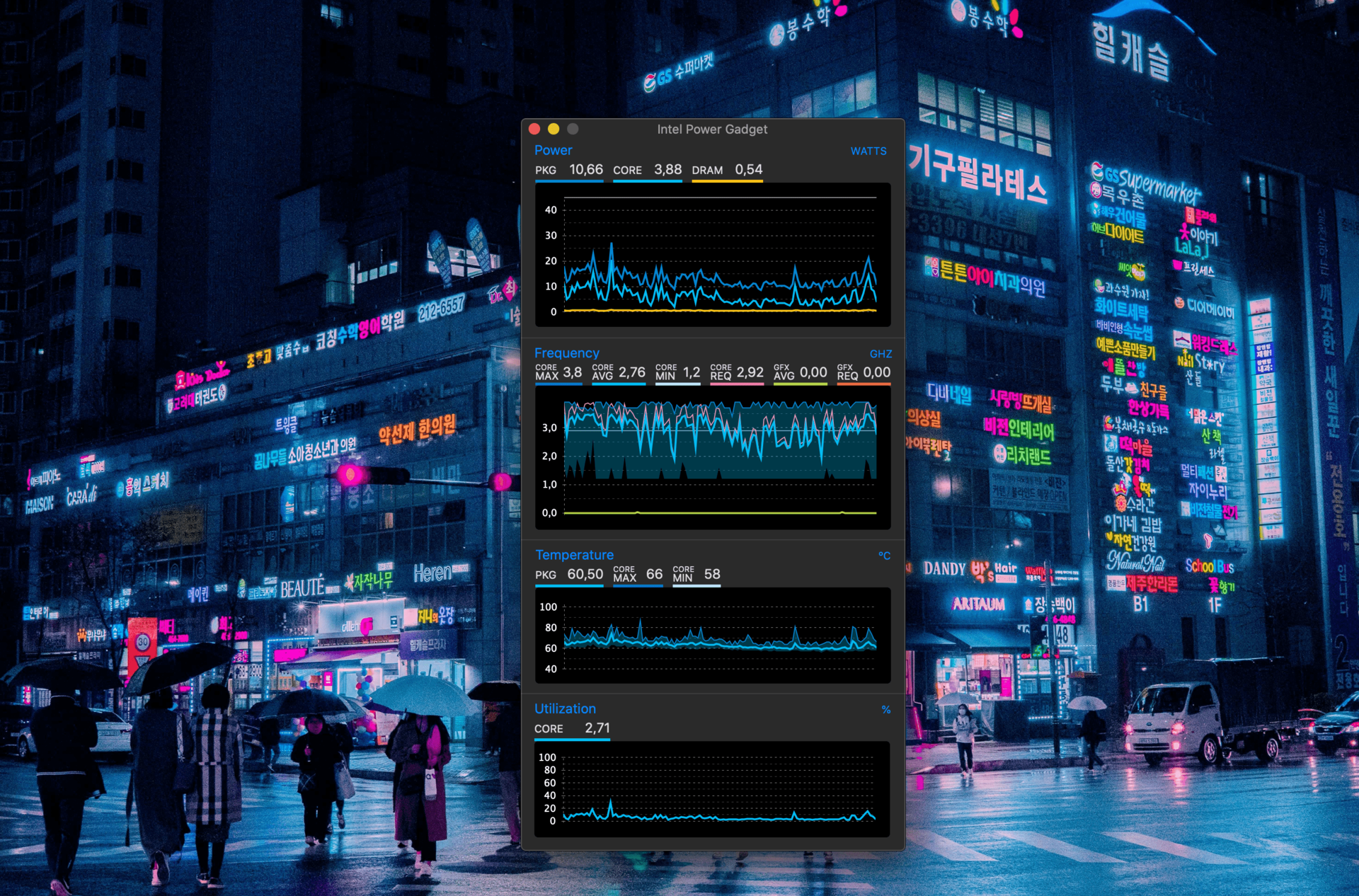
In my team at work, we have a whole Vagrant + Docker setup in order to run the development environment.
We use VirtualBox as the provider for Vagrant. When I first set it up, everything went as expected and my VM was running fine. The next day, it wouldn't connect over SSH and crashed. I ran vagrant up --provision && vagrant destroy -f countless times and experienced all kinds of strange and inconsistent errors:
- LVM wouldn't find the drive/partitions
- The whole glibc would be missing
- Kernel panic
- When it would boot, the network wouldn't work
- If the VM made it trough the provisioning script, wget would fail:
2020-02-18 14:08:31 (783 KB/s) - Read error at byte 8650752/38397484 (error:1408F119:SSL routines:ssl3_get_record:decryption failed or bad record mac). Retrying.I spent hours trying to figure out why all of this was happening. I tried multiple versions of VirtualBox and different Vagrant boxes (and much more, but it's besides the point).
The most infuriating thing being errors were completely uncorrelated and inconsistent, making it impossible to single out any source of problem (disk? network?).
We ended thinking it had to be a hardware issue and I was going to replace my Macbook. To make sure, I went ahead and reinstalled macOS Mojave.
I set up the dev environment again and... everything was working. Not a single issue with VirtualBox.
I was super annoyed about all the time I wasted, and even more frustrated because I couldn't find the root of the problem. It had to be my fault.
Fast-forward to a few mornings later. I start my vagrant VM, and to my surprise Vagrant can't connect to it via SSH. I try again, make sure the network works, and end up re-provisioning the VM. To my surprise, I am greeted with a kernel panic inside the VM.
"Not again..." I was thinking. Okay, It must be me, it must be something I installed since the last time I used the VM.
I look at my shell history and see:
brew cask install intel-power-gadgetEverything finally made sense.
Intel Power Gadget is a neat tiny tool (Intel-made) that shows statistics about an Intel CPU and GPU. I can be useful to gain some insight on a system, and is also required for showing frequencies in iStat Menus.
However, it installs a Kernel extension (EnergyDriver.kext), which is needed for accessing the data, or so I suppose.
My guts were telling me that is was this kernel module that was messing with my VMs, although according to macOS system logs, nothing was wrong.
After a quick brew zap and a reboot, I was finally able to provision my VM peacefully.
I'm still mad about this but if it saves someone precious hours of their lives, my job here is done.
As I said using multiple versions of VirtualBox didn't help, and I'm not sure it is tied to a specific macOS version, although I'm on Mojave 10.15.3. The Intel Power Gadget version I installed was 3.7.0.
My other Macbook Pro with the exact same version of macOS but Intel Power Gadget 3.6.0 does not seem affected.