Apple Magic Trackpad 2: not quite the Macbook experience, except for your wallet
Since I've switched to my 13" Macbook Pro nearly 2 years ago, I fell in love with the trackpad. It's insanely good. It's so good that I stopped using a mouse altogether, even though I had the Logitech G502 which is a pretty high-end gaming mouse. One of the things I couldn't do without the trackpad was the gestures. Plus, I didn't feel any strain on my forearm, unlike most laptops.
So when I decided to revamp my setup and close my macbook to put it on a stand, I had to find a good keyboard and mouse. Being so in love with the Macbook's trackpad, I thought I'd give the Magic Trackpad 2 a try.
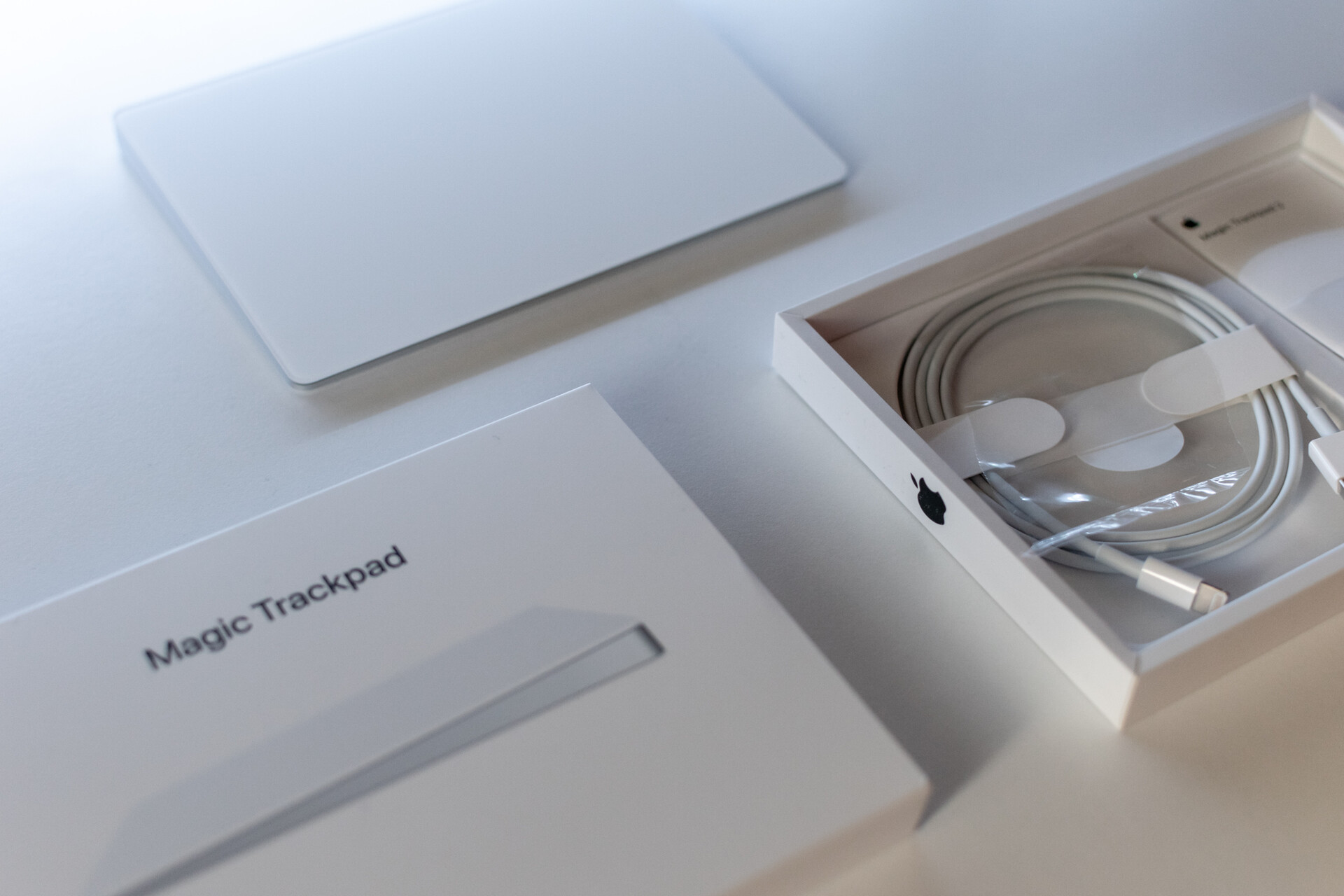
The setup is quite straightforward, to pair the trackpad with a Mac, it has to be plugged via the lightning cable. That's it. It 's usable while plugged, but once it's unplugged it will connect via Bluetooth very quickly.
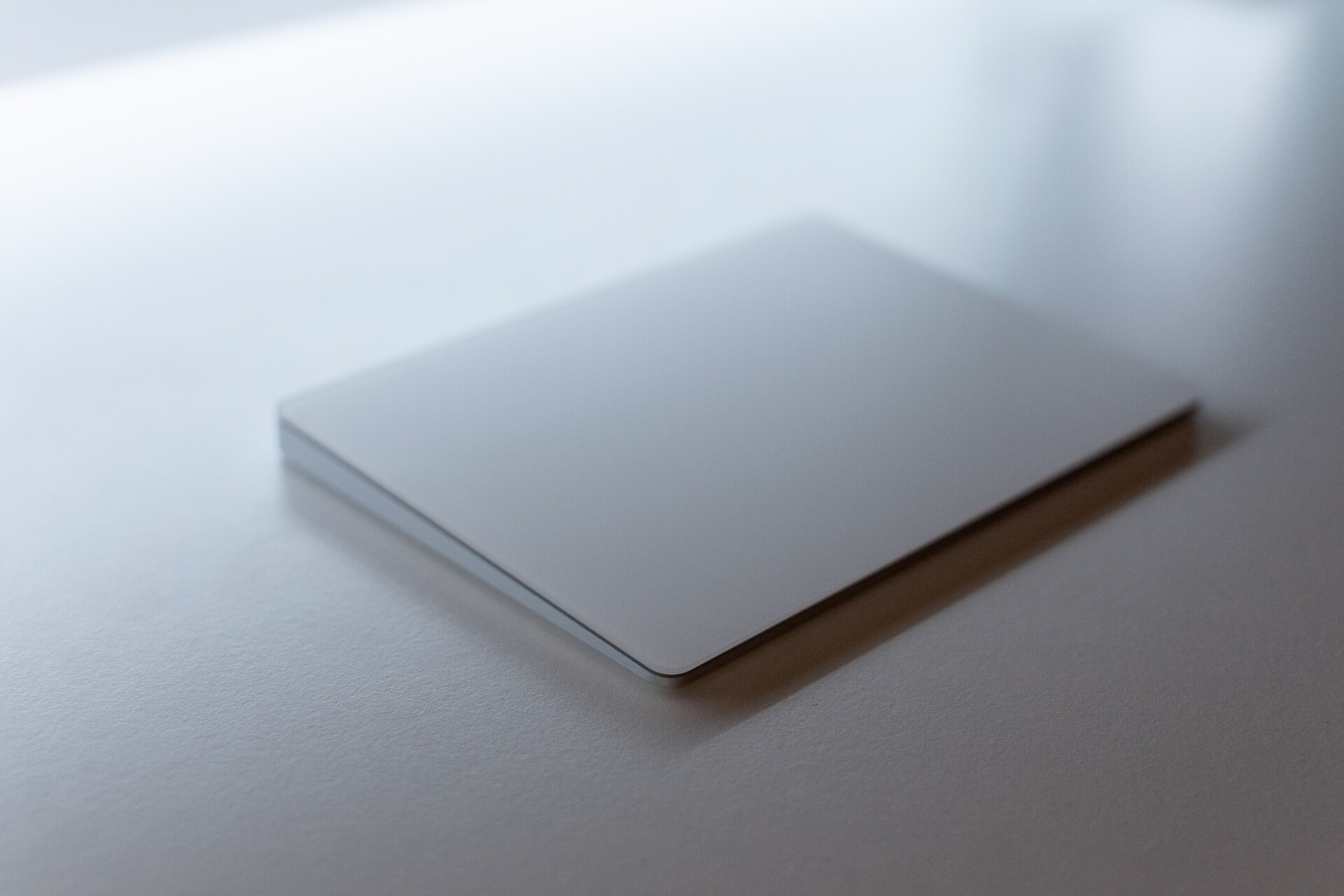
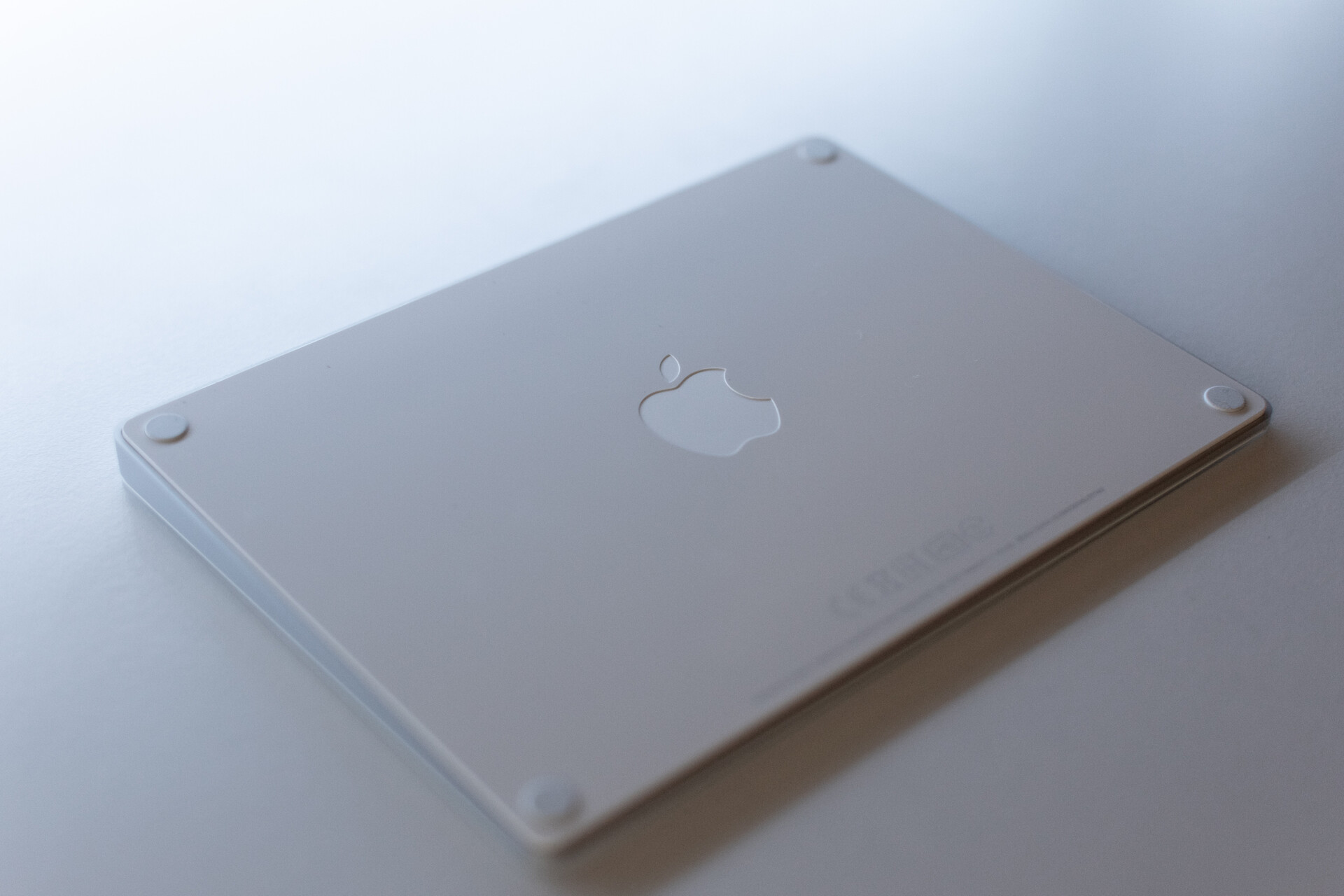
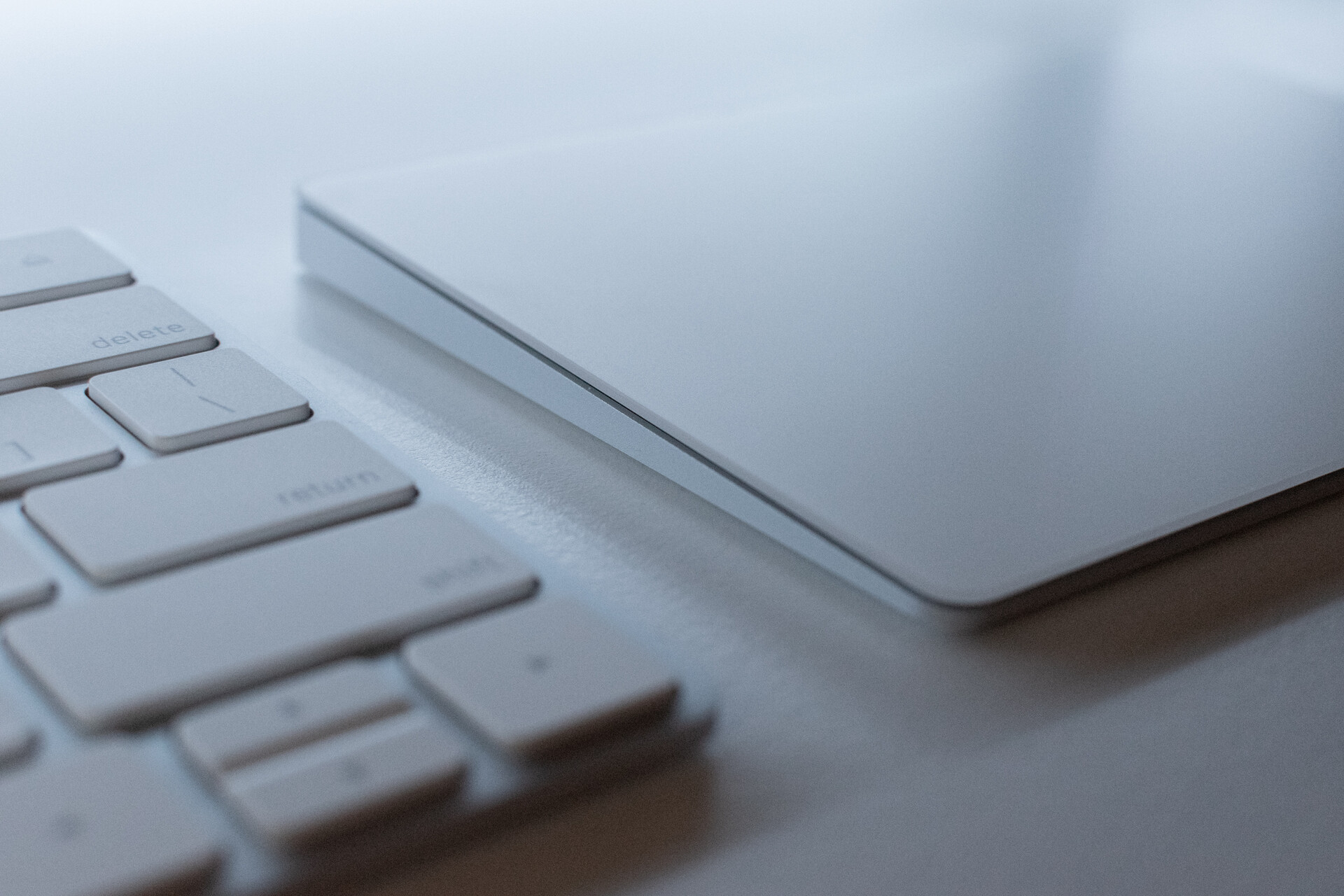
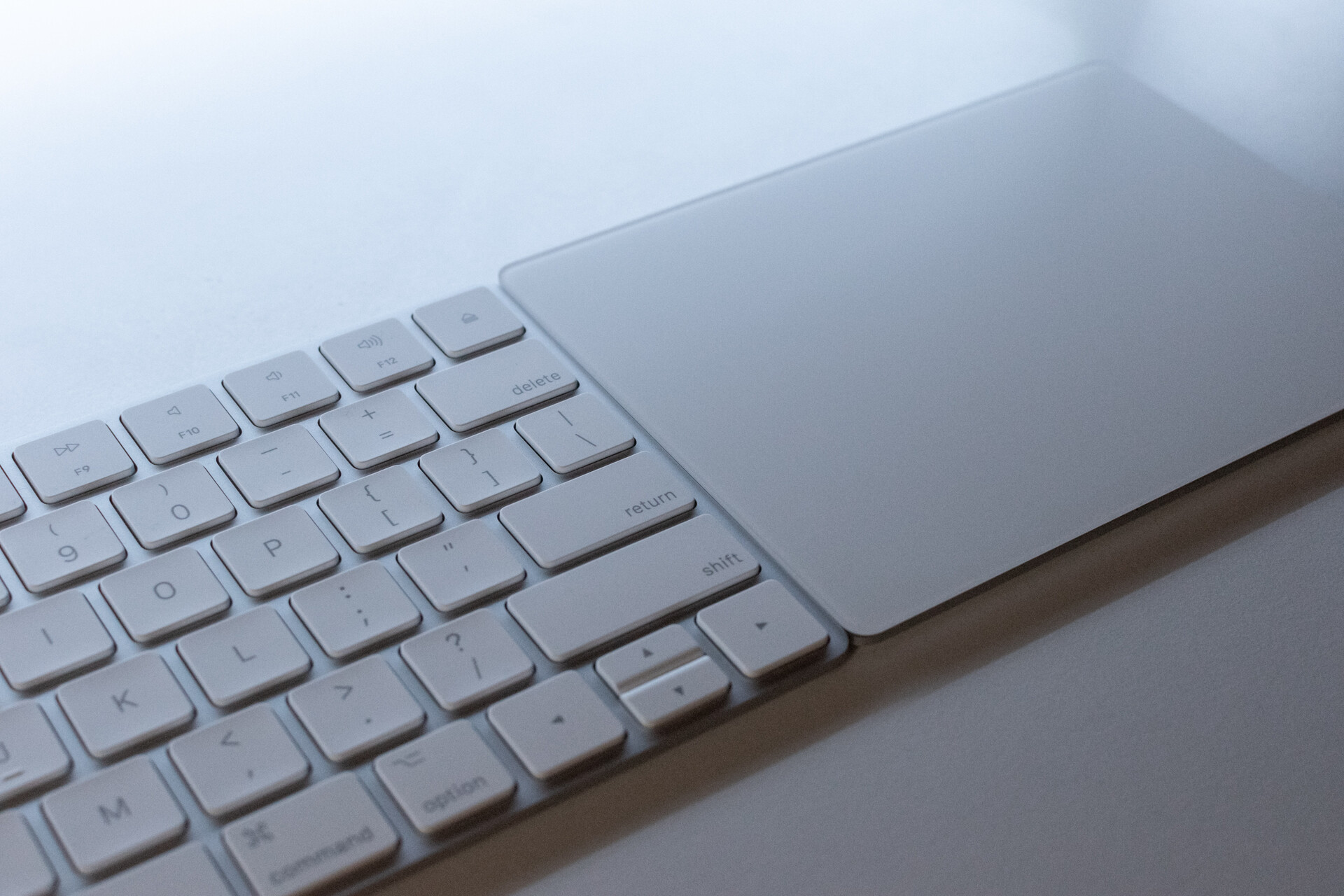
Overall, I have to say it's a very nicely built device. The industrial design is clean and simple. The top of the trackpad is made of a smooth white glass. I wish it had a grey version like the old one was, but the white is not too bad and pairs nicely with the white and grey Magic Keyboard.
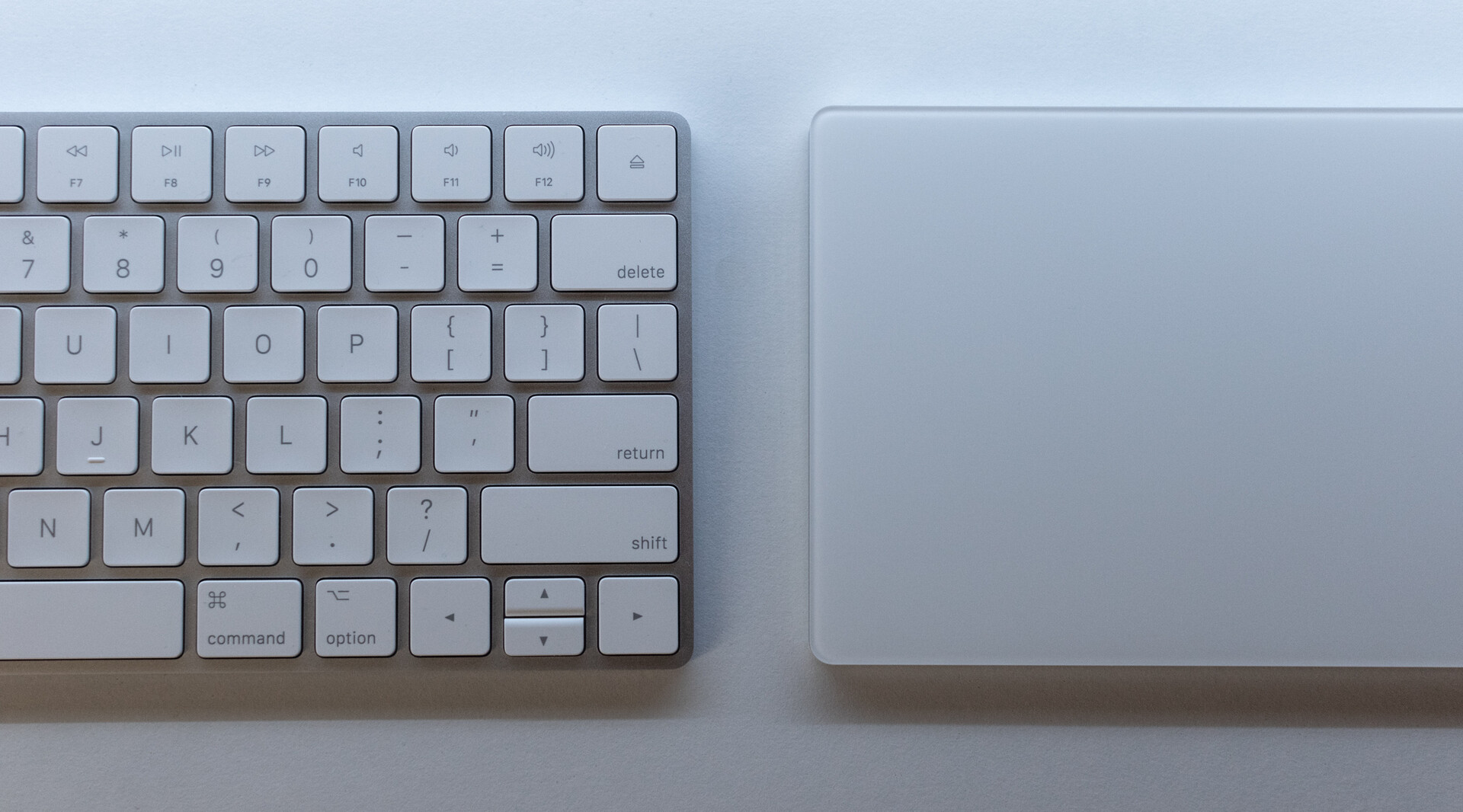
The top panel is very smooth, and it's as oversized as on the Macbook. As expected, the tactile feel is exactly the same as the Macbook's. Since it's completely artificial (the surface is not clickable, it's just glass), several settings are available to tune the feedback.
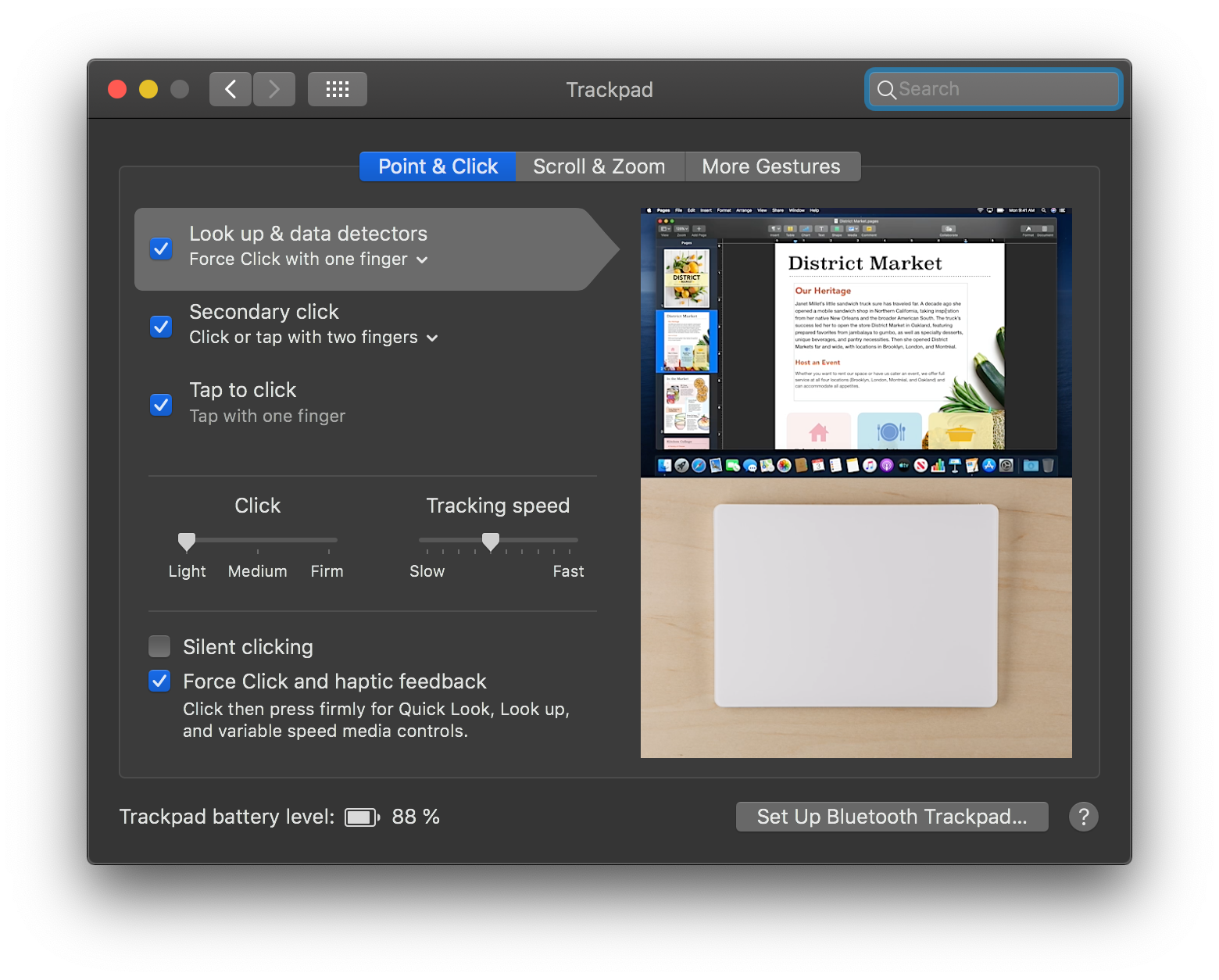
When set on "firm" it's surprisingly loud. Since the lower feedback level is plenty enough, that's what I chose. The "silent clicking" option disables the feedback emulation of a real click so it's a bit quieter, but it doesn't completely disable the feedback as you would expect.
Of course one of the main benefits of using this trackpad is to get access to all the macOS gestures. They've become a real part of my workflow once I'd got used to them when getting my Macbook, so it's good to have them back.
Is it exactly like a Macbook though? Not quite.
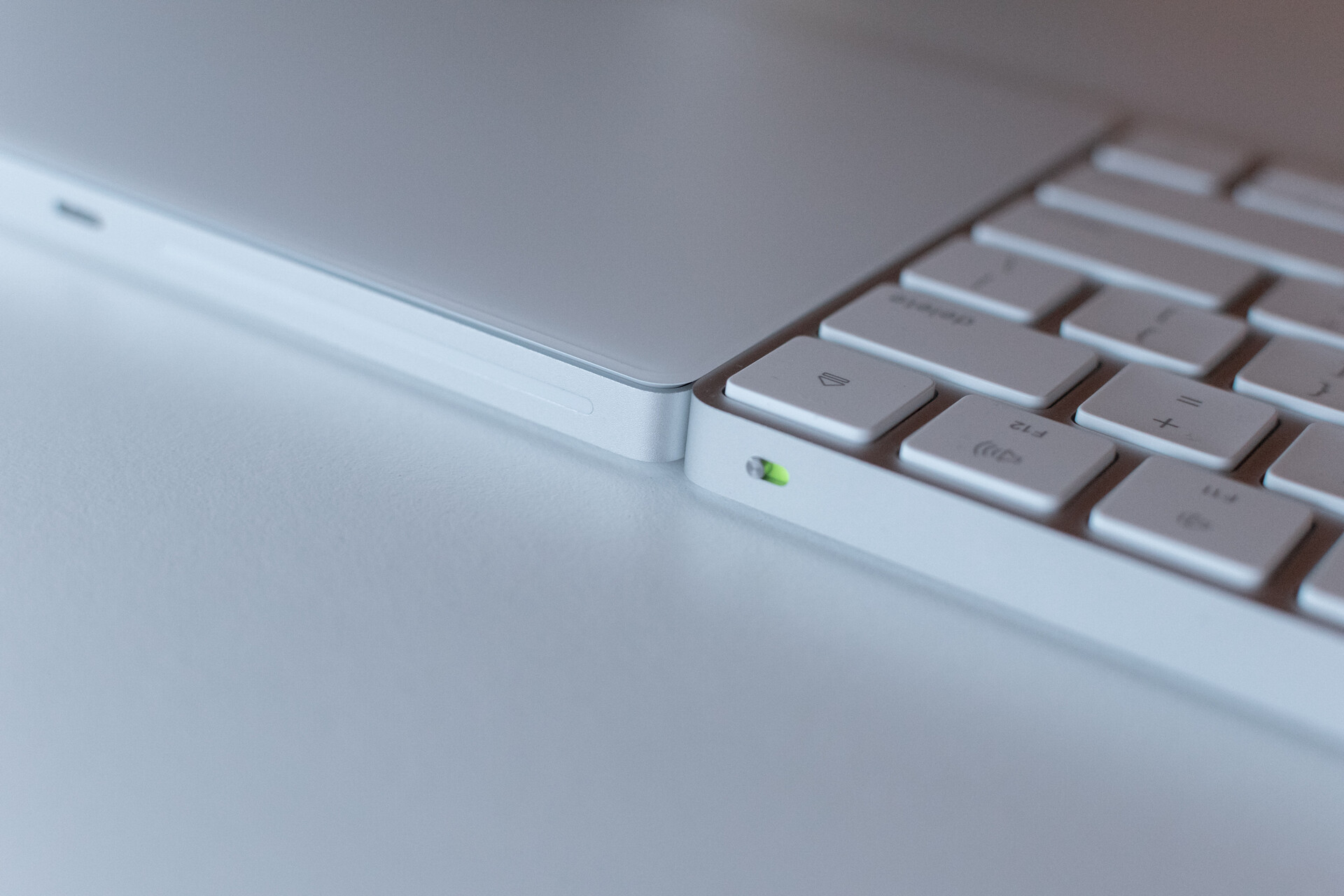
First of all, the lower part of the trackpad is very thin. On my Macbook, I like to lay my thumb on the front side of the Macbook (where the little enclosure is). But my Macbook is thicker. Also, my other fingers usually rest on the side of the trackpad on my Macbook, which is at the exact same height. Both of these things make for a kind of awkward hand and fingers positioning with the Magic Trackpad.
My arm positioning is not quite the same as with my Macbook. My forearm used to be parallel to my body with it, now with the Magic Trackpad, it's perpendicular. This results in much more strain in my forearm. I can use my macbooks for hours without feeling anything, but with this trackpad I could feel right away that it didn't feel right, and I kept coming back to my mouse.
This should vary from person to person though, but I've read some feedback online and this seems to happen to a lot of people.
This product is extremely expensive for what is, with a price of $129 or 149€. By the way, if you're in France, pick it up on Amazon for €129 instead of the Apple Store.
I was willing to invest money for better ergonomics, but this is clearly not where my money should go. I'm sticking to a mouse for now.
I've seen some people such as MKBHD use it on the other side of the keyboard for the gestures only. While this seems like a nice idea, it seems overly expensive for gestures-only device. Well, unless you make millions from Youtube of course.
I ended up finding a mouse that allows me to do these gestures, so the trackpad wasn't useful at all for me, and I ended up returning it.