Enable DNSSEC support in systemd-resolved

I'm currently running Ubuntu 18.04 and I noticed that by default I was using systemd-resolved for DNS:
stanislas@xps ~> cat /etc/resolv.conf
# This file is managed by man:systemd-resolved(8). Do not edit.
#
# This is a dynamic resolv.conf file for connecting local clients to the
# internal DNS stub resolver of systemd-resolved. This file lists all
# configured search domains.
#
# Run "systemd-resolve --status" to see details about the uplink DNS servers
# currently in use.
#
# Third party programs must not access this file directly, but only through the
# symlink at /etc/resolv.conf. To manage man:resolv.conf(5) in a different way,
# replace this symlink by a static file or a different symlink.
#
# See man:systemd-resolved.service(8) for details about the supported modes of
# operation for /etc/resolv.conf.

nameserver 127.0.0.53
Most of the recent systemd distributions use it, Ubuntu does since 16.10. It has the same role as dnsmasq.
By playing around a bit with the service, I noticed DNSSEC checking was disabled:
stanislas@xps ~> systemd-resolve --status | grep DNSSEC
          DNSSEC NTA: 10.in-addr.arpa
      DNSSEC setting: no
    DNSSEC supported: no
It was confirmed by the config file:
stanislas@xps ~> grep DNSSEC /etc/systemd/resolved.conf
#DNSSEC=
Which I modified to DNSSEC=yes.
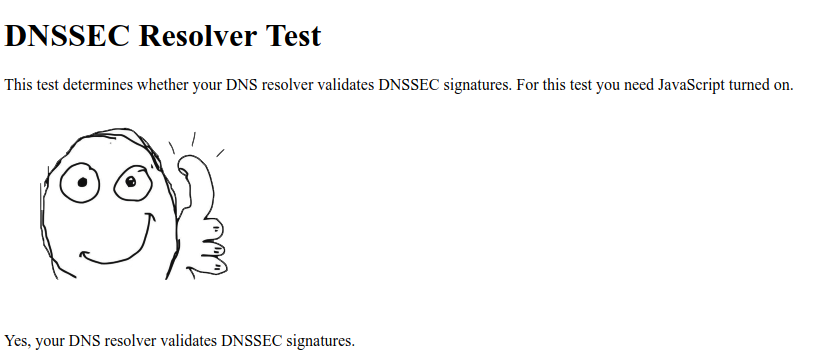
After restarting the service, I was able to confirm that I was now verifying DNSSEC!
sudo systemctl restart systemd-resolvedstanislas@xps ~> systemd-resolve --status | grep DNSSEC
DNSSEC NTA: 10.in-addr.arpa
DNSSEC setting: yes
DNSSEC supported: yesstanislas@xps ~> dig www.dnssec-failed.org | grep status
;; ->>HEADER<<- opcode: QUERY, status: SERVFAIL, id: 50750