Using Touch ID for sudo authentication on a MacBook
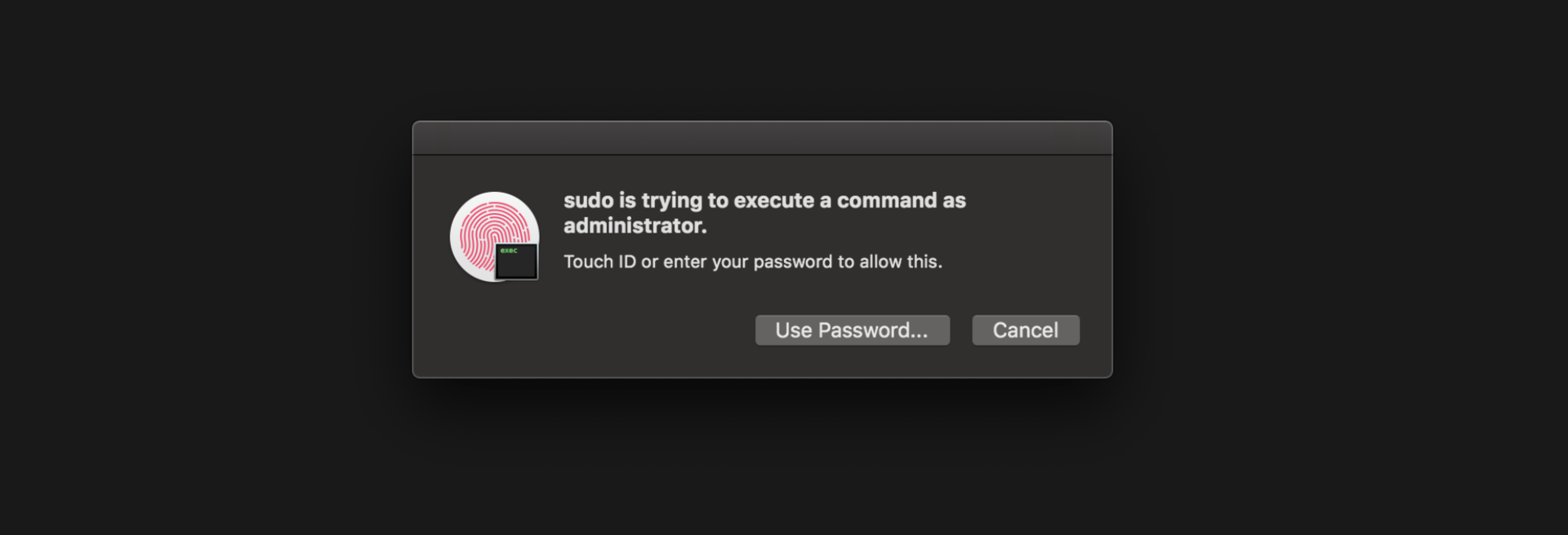
I absolutely love unlocking my MacBook Pro with my fingers. I could live without it, of course, but it's really convenient!
The good news is that it's natively available as a PAM module! Meaning Touch ID can be used to authenticate with sudo.
All you need to do is to add this line to /etc/pam.d/sudo:
# sudo: auth account password session
auth sufficient pam_tid.so #<= this line
auth sufficient pam_smartcard.so
auth required pam_opendirectory.so
account required pam_permit.so
password required pam_deny.so
session required pam_permit.so
It will make Touch ID the default authentication method but will fallback to others if needed.
If you're using iTerm2, there is a bug on recent version so you need to turn off Preferences > Advanced > Allow sessions to survive logging out and back in.
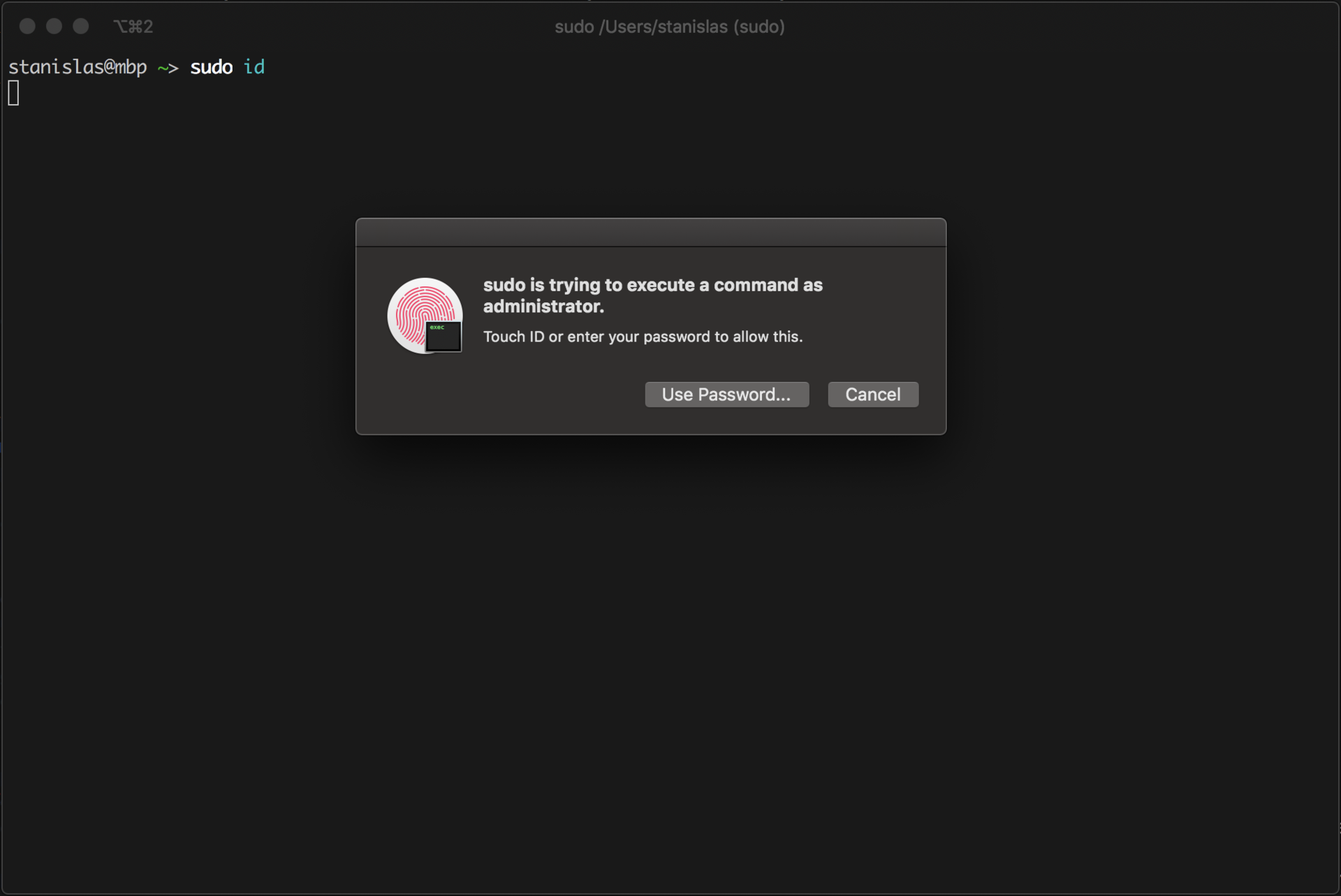
That's it 🎉